
First Birdwatching with the New Camera
It was just a short trip, down to the creek and across the bike bridge. Lots of birds down there. Saw two kinds of jays, some woodpeckers, a load of hummingbirds, Black Phoebes, Dark-eyed Juncos, a Plain Titmouse, American Robins, a Mourning Dove, plus a couple of less usual birds–an American Goldfinch, for one, and what looked like some sort of Meadowlark. Here are some of the images. As my 28-105mm lens only came this afternoon, I was just using the 70-300mm zoom.
First impressions: Wow, what a difference! With the S1-IS, the zoom was good and all, but startup, zooming, and focusing took so long in comparison. It could range from 6 to 10 seconds, from pressing the “on” button to taking an image at full zoom. The XTi turns on instantly, you can zoom manually at high speed, and autofocus works in a flash; if I don’t have to fuss with the lens cap, I can go from a cold start to a full-zoom auto-focused shot in less than 3 seconds. If I don’t have to turn the camera on, then less than that. And that makes a huge difference in bird photography; the birds will hop or flit out of frame so fast, I wound up losing most of my shots on the S1-IS to having to wait for the camera to be ready. Today, I caught probably twice as many birds as I would have otherwise. The camera felt like it was always ready.
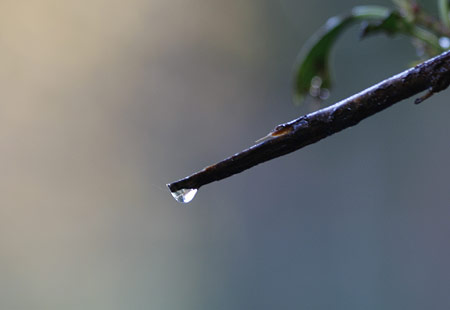
First of all, was an easy test of good depth-of-field effects; it’s easier to get the blurred background with a zoom lens, taken at a bit of a distance.
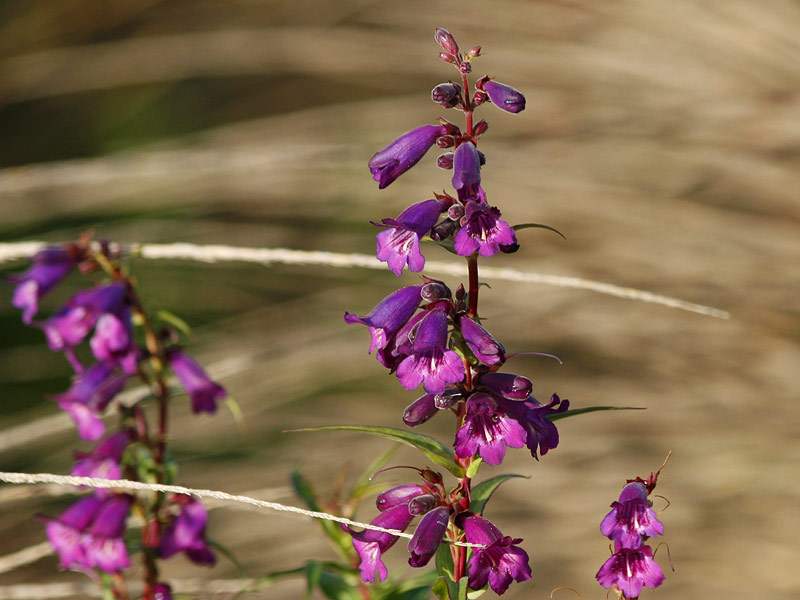
Here’s another example with some nice flowers; an 800 x 600 version available on click.
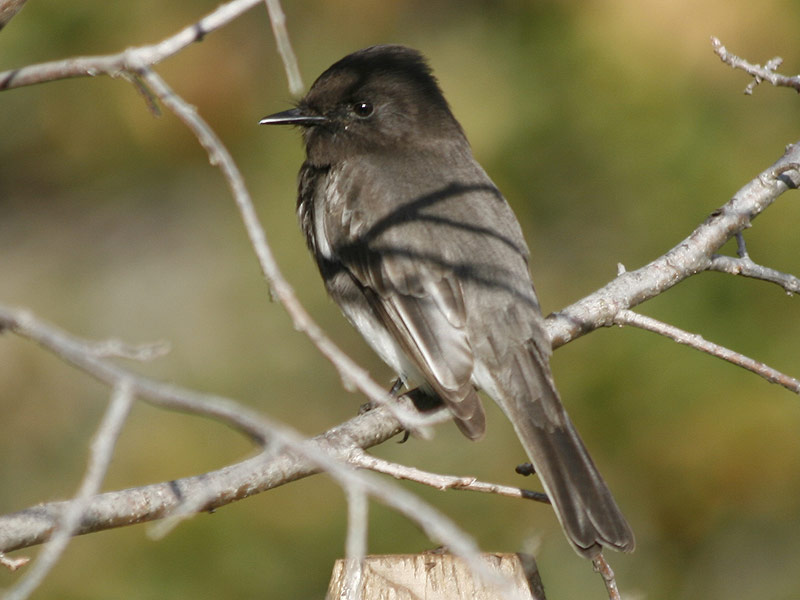
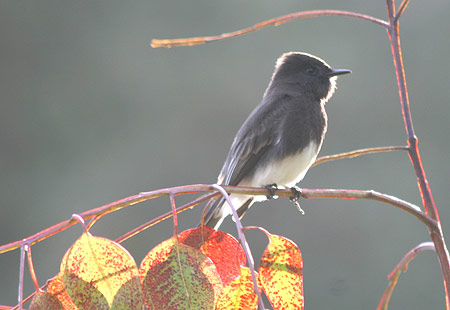
This shot was partly luck, and partly the lens. A Black Phoebe sat up on a pole about 20 feet away from me. Still, the camera zoom and 10.1 MP helped a lot to make this bird appear large in the images. Click for an 800 x 600 zoom shot. Here’s another view of the bird, works better:
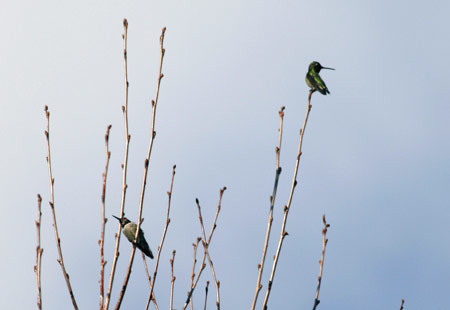
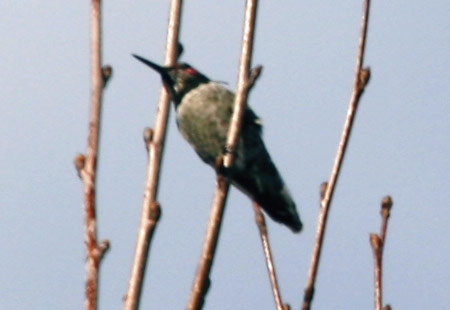
Here’s a photo of two hummingbirds perched in a tree at a fair distance. Alas, the images using the full zoom are not as sharp as I’d like; see below for a view of one of the hummingbirds at 100% size–the actual pixels from the original shot, just cropped. It doesn’t really get very sharp. But the extra megapixels allow for reduction and sharpening to make it look that way.
There were a few Stellar’s Jays–pretty birds, crested and deep blue and black.
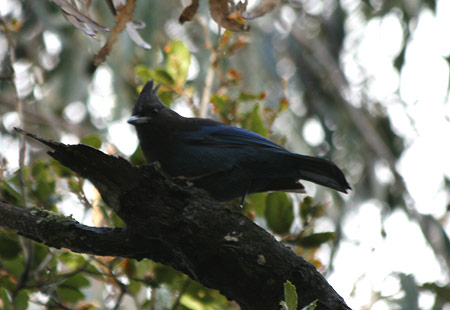
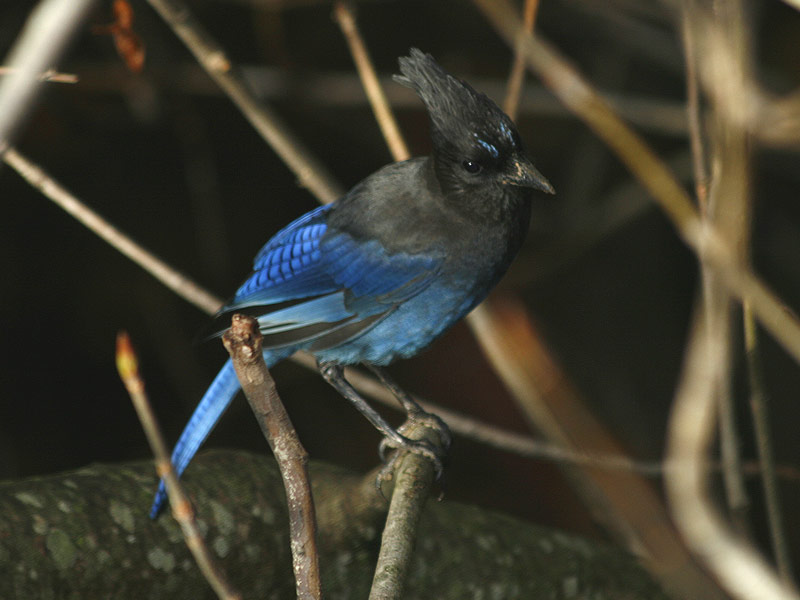
The second one has an 800 x 600 blow-up.
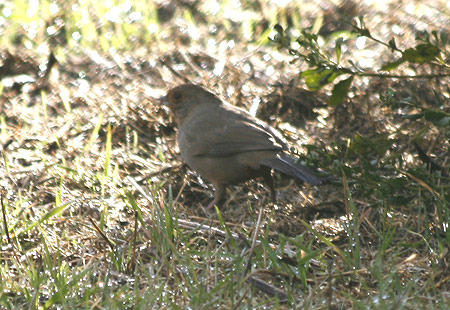
Then there were some basic “brown birds,” or common birds of an uninteresting brown color; in Japan, that would be the Brown-eared Bulbul; here, I believe they are Brown Towhees here.
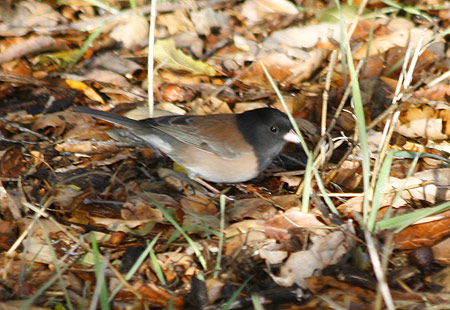
Still common but much prettier is the Dark-eyed Junco.
Also an interesting bonus with this camera: being able to catch between-the-frames shots like this Junco taking off:
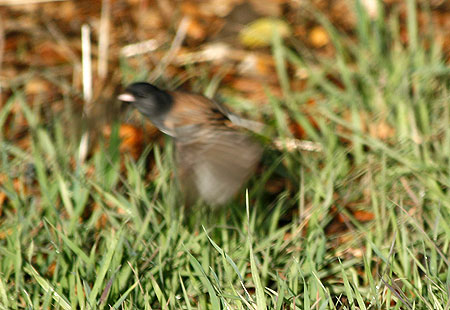
That wasn’t usually possible on my S1-IS for a few reasons: first, even if I was fast enough to take the shot, and even if the camera was on and ready, it would still take a second or two for the camera to respond and snap the shot, by which time the bird was long gone. Second, the S1-IS takes almost a full second between shots, even without the flash (with the flash, well, forget about it).
With the XTi, the camera responds immediately, taking several shots in quick succession (if it’s in Continuous Shooting mode), allowing for the capture of flyaway moments like the Junco above.
It also allowed me to snap this image, a bird that flitted by for a split second and then disappeared. I think it’s a Meadowlark or something.
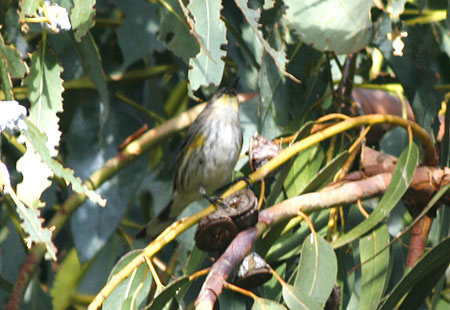
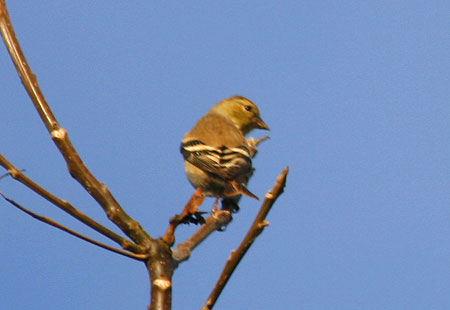
Finally, I got the American Goldfinch below. Several of them had flown into a tree, but this one stayed for a while, on a branch more visible than the rest.
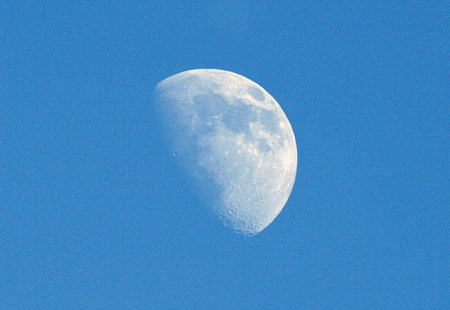
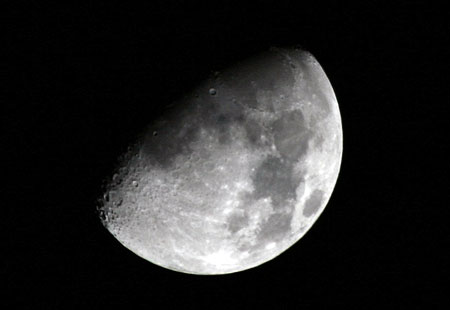
For fun, I took some moon shots as well; the 300mm lens does a good job of capturing it.
Notes on the XTi: the focus is trickier than it seemed. I thought I was getting very good focus most of the time, but when I reviewed the shots on my computer, so many were just off. It was the usual problem with autofocusing on birds: anything in the foreground or background still has a tendency to rob the subject of focus. However, there may be a fix: the XTi normally focuses using nine different focus sensors, but you can limit it to just the center focus sensor. Hopefully, that would focus directly on whatever was in the middle of the frame. Hopefully; I will try that out soon.
Alternately, I could use the manual focus; it would take a little longer, but could yield better results. Or maybe not: if I couldn’t tell the focus well enough when taking the images, how good would manual focus be?
Still, the autofocus is much better than on regular point-and-shoots, and the responsiveness of the camera is just great. So far, I am very pleased with this camera.
One other point: I was looking for an thumbnail viewing program to use with the new camera’s images. Since they are so big (2~4 MB for each photo), I must weed out the bad images much more assiduously. But this presents problems. I never really thought iPhoto was great for this–iPhoto ’08 is acceptable in some ways, but was still slow going from one image to the next, and had some annoying foibles–like not actually deleting photos I removed, and after removing one from the list, iPhoto would jump back to the beginning of the list instead of looking at the photo after the deleted one. Other thumbnail image-viewing programs were only worse. (Though I must admit, I haven’t tried Canon’s program on the install CD–I should do that.) I was about to give up when I realized that I had the perfect image viewer: Mac OS X. Just open up the folder with the images, click on the first one, then hit the space bar to get Quick Look. It was a lot faster to view images, and if I didn’t like one, a Command-Delete would zap it to the trash. Arrow keys can change the view to the next photo in the list. Very handy!
Nice and vivid (Ms.Turrrof has taught me this word) pics… but 2MB-4MB for each pic!You must need to have the largest and the speediest memory card now, I guess. Anyway, you are a very talented photographer, too.
Wow !!!!!!
Stunning shots…!
Congratulations on your new purchase.
Dazzling photographs, Luis! And a very comprehensive evaluation of the camera.
Welcome to the world of hight quality digital photography. When you really want to get into the deep end of it, buy a big hard drive first. My 12 Megapixel camera produces files, that when opened in their highest quality mode, are 75 Mb. Each.
It’s worth it.